TOUCHSCREEN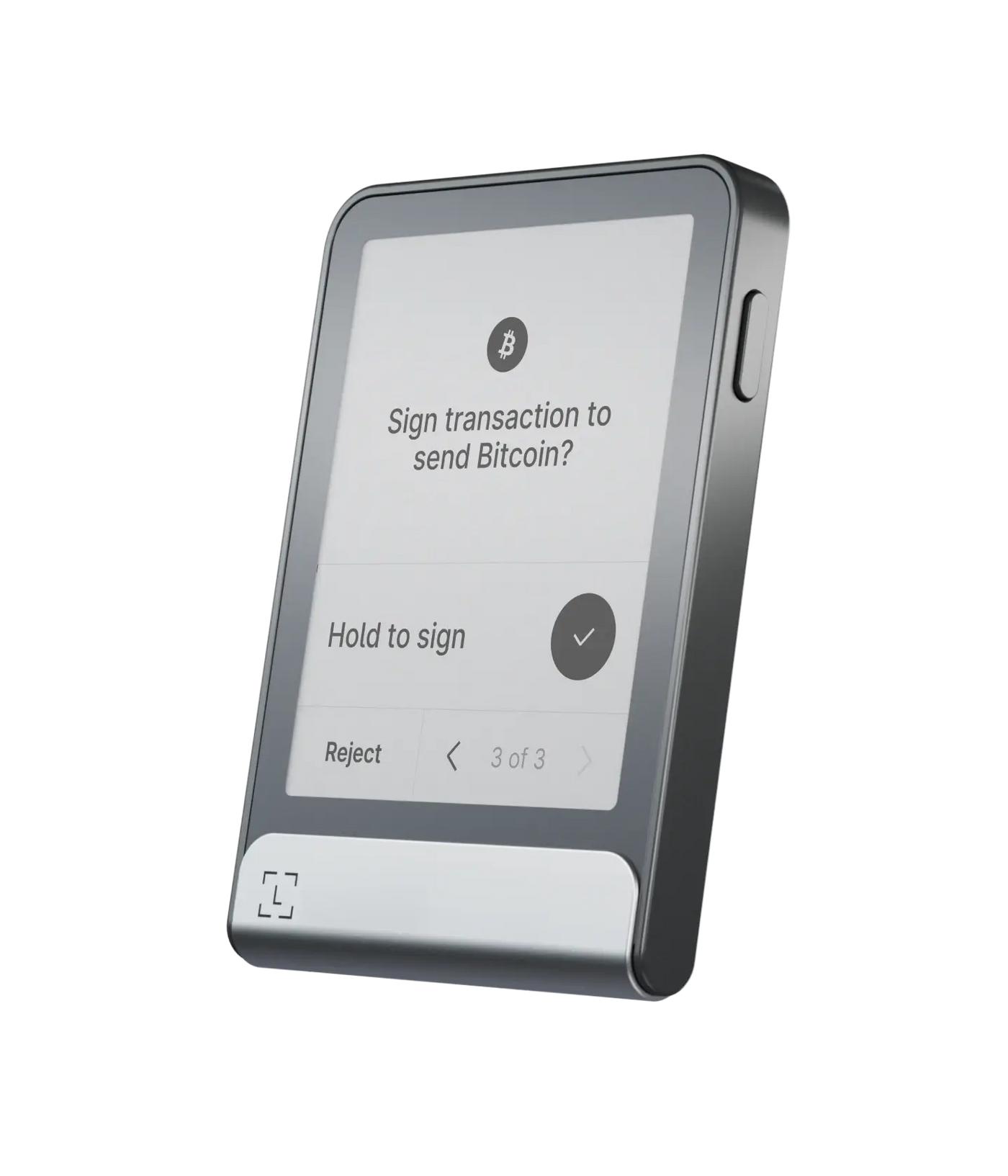
Ledger Flex™
A compact touchscreen option for reviewing details directly on the device.
- 2.8-inch E Ink® touchscreen
- Bluetooth and USB-C connectivity
- Secure Element with Ledger OS
YOUR GUIDE TO HARDWARE SELF-CUSTODY
A physical device. A private key that stays protected. Explore Ledger hardware wallets and find the format that fits you.
Independent product overview · Official destinations only
FIND YOUR FORMAT
From a familiar USB form factor to a larger E Ink® touchscreen. This guide highlights three devices; explore the full current range at Ledger.com.
A compact touchscreen option for reviewing details directly on the device.
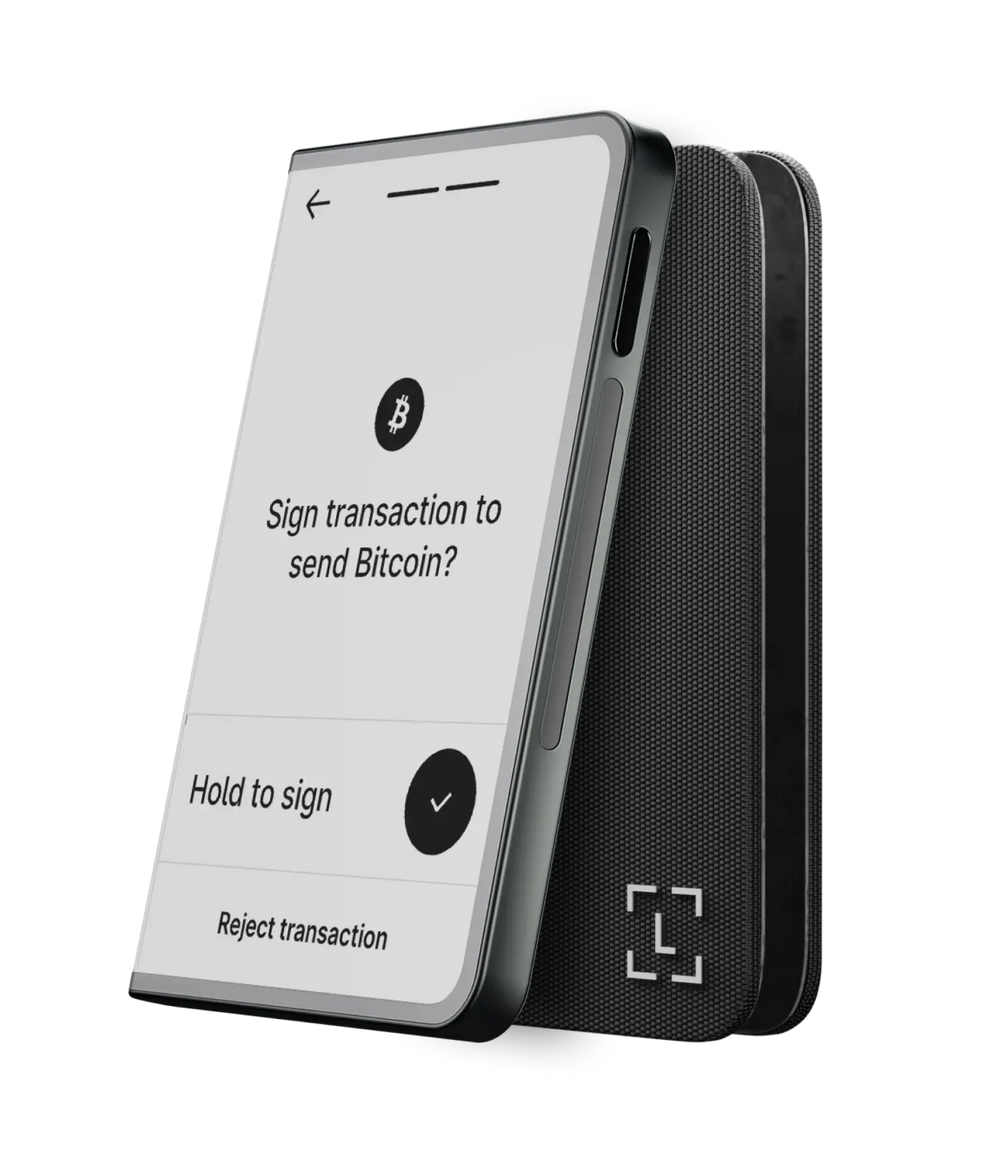
A larger, curved screen with a distinctive design and wireless charging.
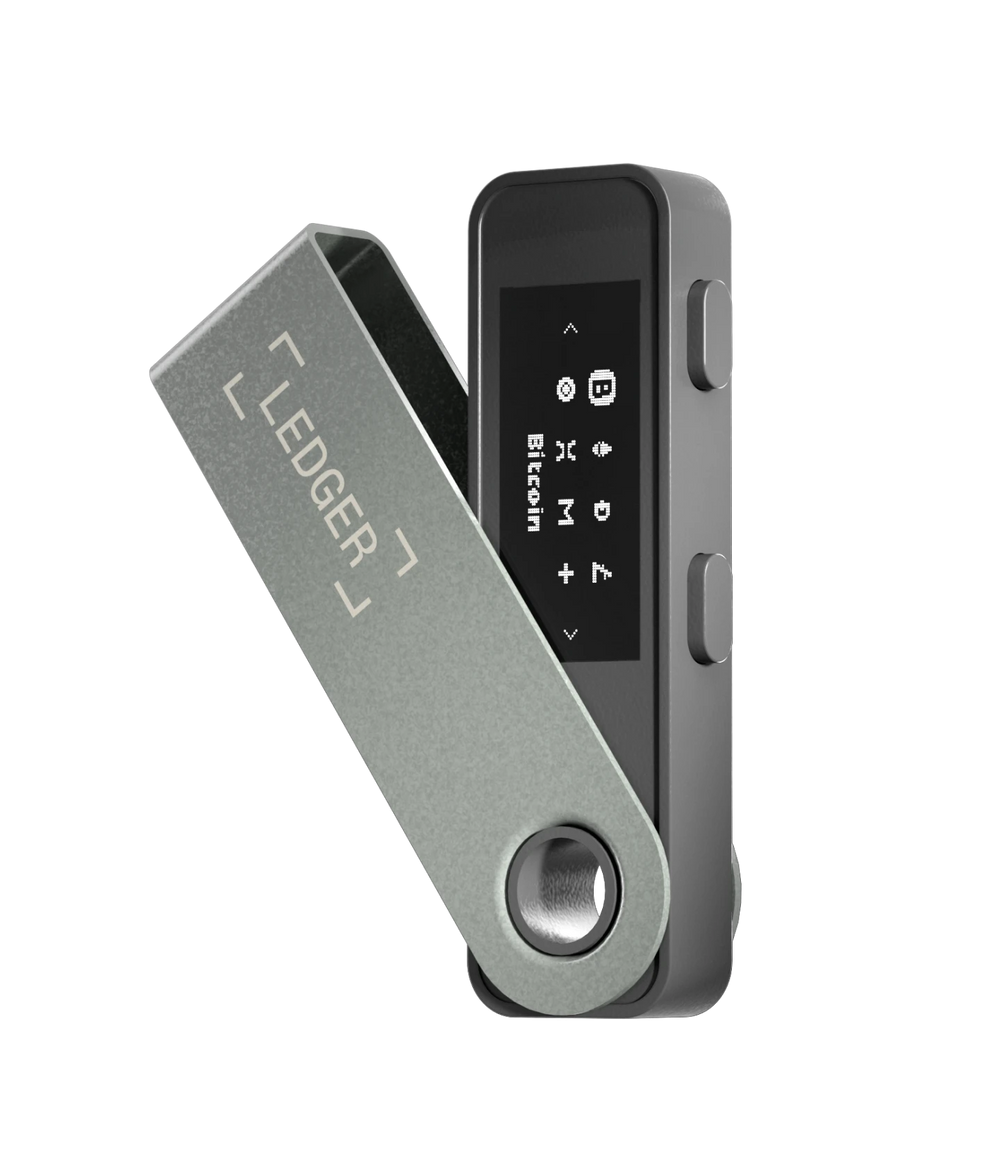
A straightforward, wired device with physical buttons and an integrated screen.
Selection, not a ranking. No invented review scores or fixed prices. See Ledger for current specifications, pricing, compatibility and regional availability.
BEHIND THE HARDWARE
A hardware wallet protects the keys used to authorize actions. Your assets remain on their respective networks.
Explore Ledger AcademyLedger devices use a Secure Element and Ledger OS to protect private keys, rather than keeping them in ordinary application storage.
Read the details on the device screen and confirm only actions you understand. Screen layout and signing features vary by model and application.
Protect your recovery materials. A device cannot remove every risk, and compromised or lost backups can cause permanent loss of access.
AT A GLANCE
Start with how you want to connect and review actions. Check current system requirements before you buy.
| Feature | Ledger Flex | Ledger Stax | Nano S Plus |
|---|---|---|---|
| Interaction | Flat E Ink touchscreen | Curved E Ink touchscreen | Screen + two buttons |
| Display size | 2.8 inches | 3.7 inches | Compact display |
| USB-C | Yes | Yes | Yes |
| Bluetooth | Yes | Yes | No |
| Wireless charging | No | Qi | No battery |
| Explore | Ledger Flex | Ledger Stax | Nano S Plus |
 HARDWARE + SOFTWAREThe device protects.
THE OFFICIAL COMPANION
Use Ledger's official companion software to manage supported accounts and interact with your hardware device. Download only from official sources.
The Ledger ecosystem can include third-party purchase, exchange and other services. Those services have separate terms, fees and regional restrictions. This affiliate website does not provide them.
Visit official app downloads*Compatibility differs by device and operating system. Nano S Plus is not compatible with iOS. Android package: com.ledger.live.
OUR TAKE
The physical device separates key protection and approval from your everyday phone or computer. Touchscreen models make on-device review more comfortable.
Hardware costs, compatibility and backup discipline matter. The software ecosystem and optional services also introduce choices you should understand before use.
People who want direct responsibility for their keys and are prepared to learn secure setup, recovery and verification practices.
Editorial overview based on published product documentation. This is not a hands-on test or a claim that any wallet is risk-free.
BEFORE YOU DECIDE
Ledger manufactures the devices. Purchases and official support take place on Ledger's own websites.
The publisher may earn a commission for an eligible referral and qualifying purchase. Commercial links should use only the publisher's approved Ledger affiliate URL. Current links lead directly to Ledger without affiliate tracking.
No. This page has no wallet connection, recovery or credential forms. Never enter a recovery phrase, private key or PIN into this website.
The assets are recorded on their networks. The hardware wallet protects private keys used to authorize actions associated with those assets.
Use the official product links on this page and verify the destination domain before purchasing. For device support, use support.ledger.com.
THE NEXT STEP IS YOURS
You're leaving an independent affiliate information page.
MANUFACTURER INFORMATION
Contact details for the device manufacturer. Ledger SAS is separate from the independent publisher of this affiliate page.
AFFILIATE TRANSPARENCY
This page is not owned, operated or published by Ledger. We may receive a commission from qualifying affiliate purchases. No endorsement or authorized reseller status is claimed. Product sales, payments, downloads and official support occur on the destination websites under their own terms.
Read the full disclosure